
How to Build a Simple App With Your Child Using AI (No Coding Required)
Last Saturday, my son asked if we could build something. I said yes before thinking, expecting he'd want to build a Lego set. Instead, he wanted to build an app.
Two hours later, we had a working quiz game that picks questions at random, tracks scores, and celebrates when you get one right. No code. No experience. No magic. Just us and an AI tool called Replit.
It genuinely changed how he thinks about problem-solving.
Why this matters
Most kids think software appears magically. Either you're a "coder" or you're not. There's no in-between.
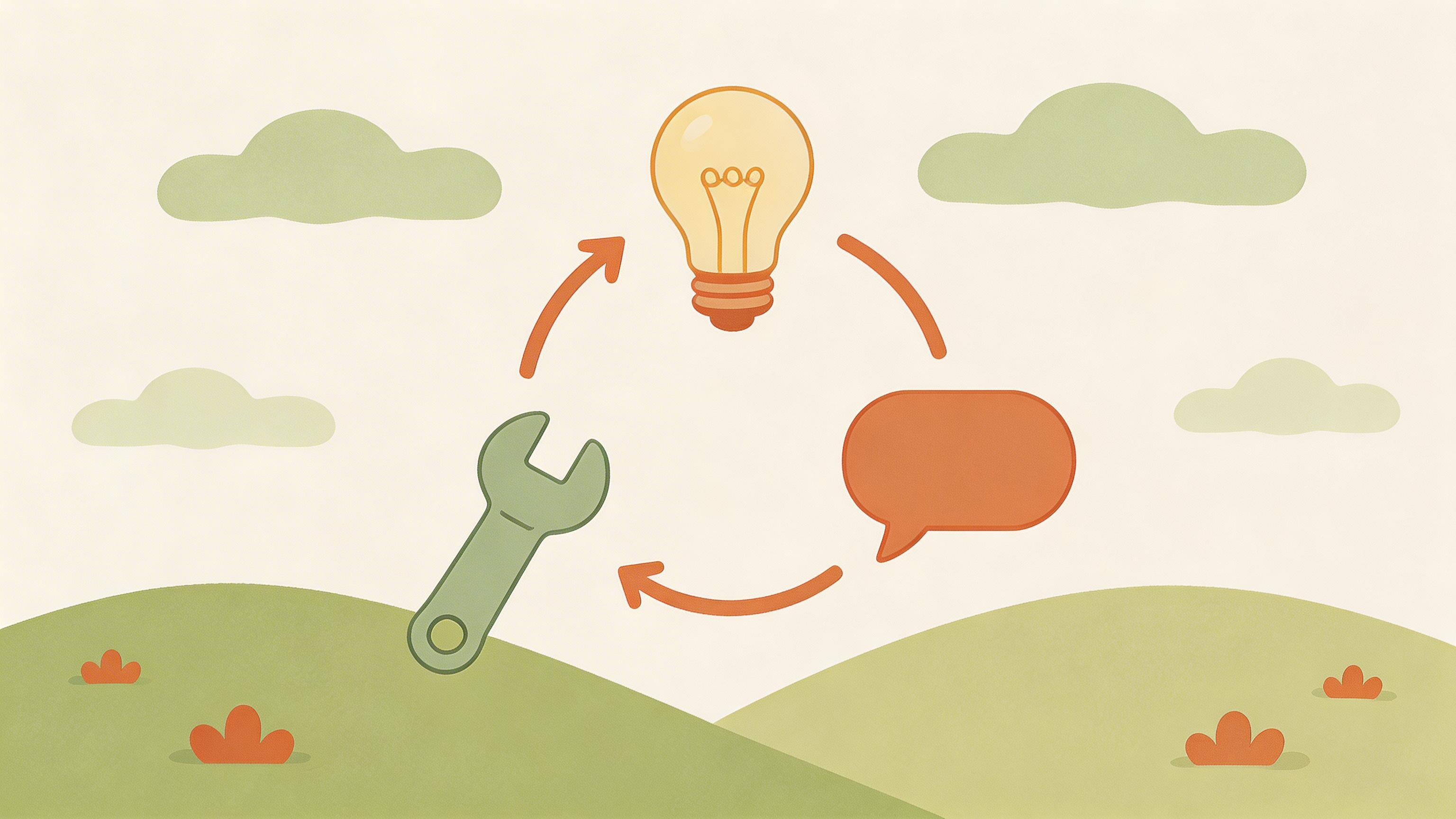
Building an app together — even a simple one — flips that. Your child learns: ideas come first, code is just how you build them, and failure and iteration are part of the normal process.
That's systems thinking. That's problem-solving. That's how actual builders think.
What you'll build
For your first app, pick something simple. A quiz game works beautifully. So does a chore tracker, a story generator, a guessing game, or a simple calculator with personality.
For this guide, I'll use a quiz game because it teaches loops, conditional logic, and how to structure information — all wrapped up in something that's immediately satisfying.
Here's how to do it
Step 1: Have the idea conversation. You and your child talk through: What should the quiz ask about? Dinosaurs? Your family? Pokemon? How many questions? What should happen when you get one right? What should the screen look like?
Get specific. "A quiz" is vague. "A dinosaur quiz with 5 questions that shows a fun fact when you get one right" is a blueprint.
Step 2: Open Replit or Lovable. Go to Replit.com or Lovable.dev (both are free for basic use). Create an account.
In Replit, click "Create Repl" and choose a language — Python or JavaScript are easiest. In Lovable, click "Create" and start with a blank project.
Step 3: Give AI your specification. Paste this into the AI chat in Replit or Lovable:
"I want to build a [type of app] app. Here's what it should do: - [Feature 1: e.g., Ask 5 quiz questions about dinosaurs] - [Feature 2: e.g., Track the score] - [Feature 3: e.g., Show a fun fact when right] - [Feature 4: e.g., Celebrate at the end]
Please build this. Keep it simple. Make it fun."
AI will generate the code. A lot of code. That's fine. You don't need to understand it. Your job is to test it.
Step 4: Run it together and play. Click the "Run" button. Play the app. What works? What's broken? Take notes. This is the fun part.
Step 5: Iterate. Your child says: "I want the dinosaur facts to be longer" or "Can it play a fun sound when you get it right?"
Go back to the chat. Say: "Now I want to add [feature]. Here's the current code: [paste]. Can you update it?"
AI updates it. You run it again. It either works or it doesn't. If it doesn't, you try again.
This cycle — try, feedback, improve, try again — is what actual software development looks like.
Step 6: Deploy it (optional). Once it's working the way you want, Replit and Lovable both let you share a public link. Your child can send it to a friend, to grandparents, to the family WhatsApp. They built this. It works. Other people are using it.
That moment is worth the whole afternoon.
What your child learns
- How to think about problems systematically. What's the input? What should the output be? What steps happen in between?
- That failure is normal. The code won't work the first time. That's not a problem. That's debugging. It's what engineers do.
- That they can build things. Not eventually, not after years of study. Now. This weekend. Because AI removed the barrier of learning syntax.
- How to communicate an idea clearly. If they can't explain what the app should do, the AI can't build it. This teaches precision.
By age
Ages 7-9: Keep it very simple. A guessing game (think of a number, the app guesses) is perfect. 30 minutes of building, 30 of playing and tweaking.
Ages 10-12: This is the sweet spot. A quiz game, a to-do tracker, a story generator. They can handle 1.5-2 hours of focus and have opinions about what matters. They'll take the lead on what to build.
Ages 13+: They might build something more ambitious. They might want to learn why the code works, which is the beginning of real coding. Or they might just enjoy the creative process and call it a day. Either is fine.
A few practical notes
- You don't need to understand the code. Seriously. Your job is to describe what you want and test what's built. That's enough.
- Have a family snack. This takes longer than you think, in the best way. Coffee and snacks make it better.
- Save your work. Both Replit and Lovable auto-save, but take a screenshot of the final working version. Your child will want to remember this.
- Don't over-scope. "Can it also do [complicated feature]?" is tempting. Resist. Simple, working, and finished is better than ambitious and abandoned.
The real outcome
You'll spend an afternoon building something together. Your child will feel what it's like to have an idea and make it real. They'll experience failure and iteration without it feeling like failure — it'll feel like normal problem-solving.
And at the end, they'll have a working app they made.
That's enough.
Related reading
- the skills Singapore schools do not teach (same-pillar)
- how I solved the Rubik's Cube with AI (same-pillar)
- AI as a patient tutor (same-pillar)